Asset Hub
A closer look at how centralized asset management, icon coverage, and Figma-native insert flows reduced operational friction around brand assets.
Role
Product & Workflow Design
Context
Centralized brand-asset layer inside the UDS ecosystem
Timeframe
Parallel to UDS rollout
Project type
Operational asset and icon tooling
Scope
Asset access, icon coverage, usage guidance, and insert flows
Key focus
Making brand assets easier to source, validate, and use
On this page
01
/Overview
A central asset layer for a multi-brand ecosystem
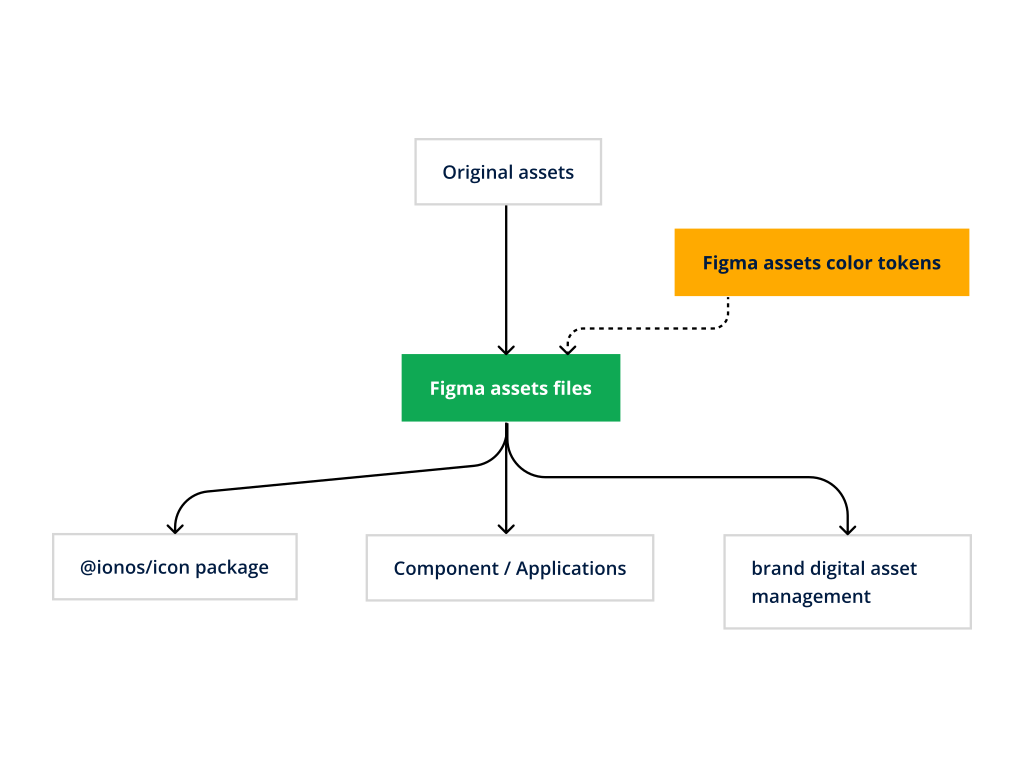
DBAM stands for Digital Brand Asset Management. It was built as a central layer for brand assets and icons so teams could work from one clearer source of truth instead of juggling scattered folders, manual handoffs, or local workarounds.
In a multi-brand setup, asset access is not a side issue. It directly affects speed, consistency, and trust in the output. DBAM addressed that operational gap inside the same ecosystem as UDS.
02
/Challenge
Asset operations break down quickly when brands scale
Once several brands share one design ecosystem, asset operations become more complex very quickly. Teams need the right logos, icons, and visual resources at the right moment, and they need confidence that what they insert is current, approved, and brand-correct.
Without a clear operational layer, designers lose time searching, switching sources, and validating whether something still applies. That friction makes multi-brand consistency harder to maintain in everyday product work.
03
/Approach
Treat assets and icons as part of the system, not loose files
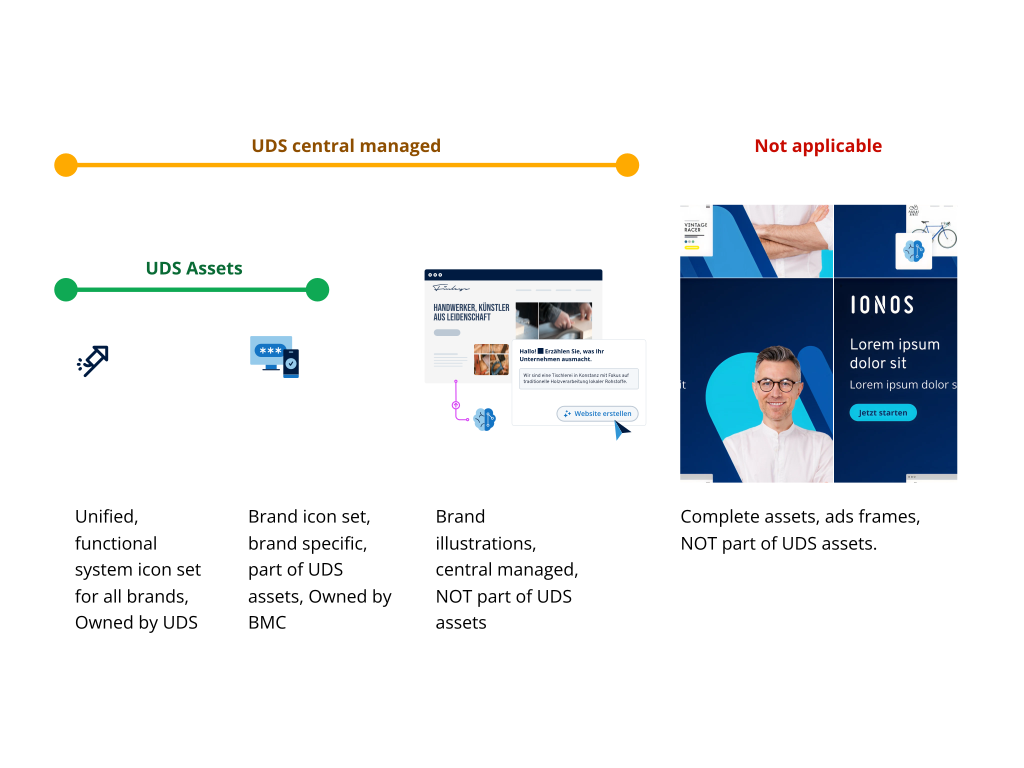
The solution was to treat asset access as part of the product workflow, not as a separate admin step. DBAM framed brand assets and icons as a managed layer that sits closer to the design system instead of floating around as disconnected resources.
That changed the role of asset management from a background dependency into an integrated part of design production, with clearer coverage, clearer usage rules, and tighter links to the surrounding system.
04
/Solution
A Figma-native layer for sourcing, validating, and inserting assets
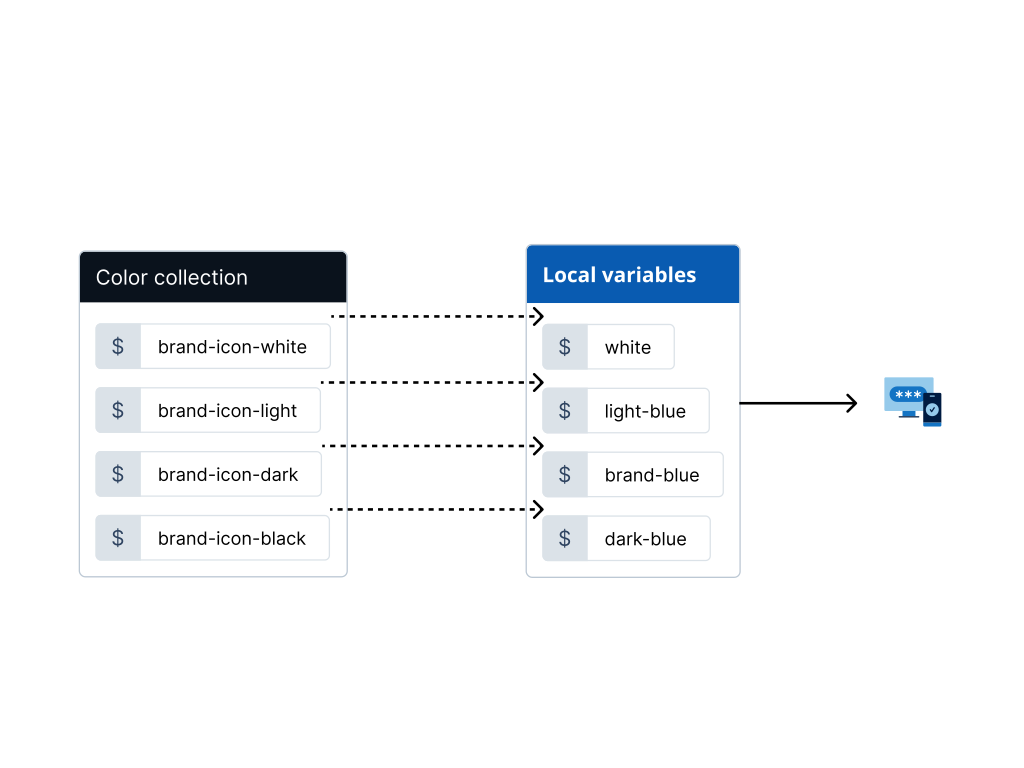
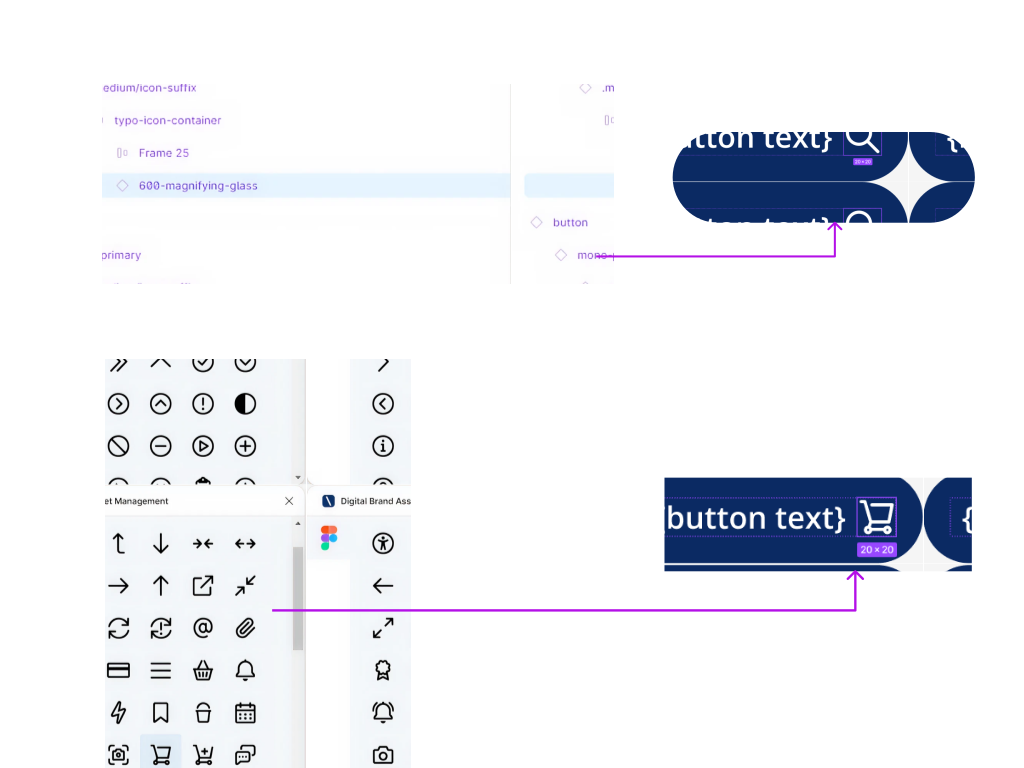
DBAM used a Figma-native workflow to connect different asset sources to one practical insert flow. That made the tool useful in the moment that mattered: browse what you need, check the right variant, and place it directly into the design context you are already working in.
The important part was not visual polish alone. It was the operational logic: one layer that reduced friction between brand asset sources, icon coverage, and day-to-day design execution.
05
/Outcome
Less searching, clearer coverage, more confidence in asset usage
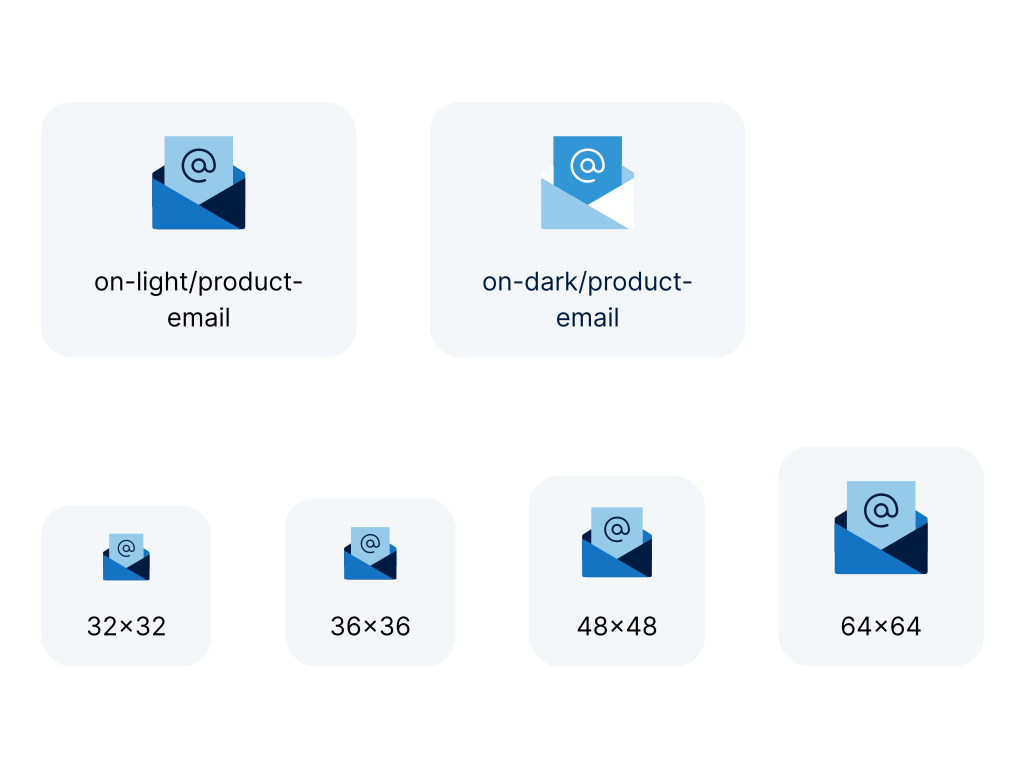
DBAM improved the practical side of multi-brand design work by making assets easier to find, easier to evaluate, and easier to insert in the right context. That reduces manual friction and supports stronger brand consistency because teams no longer need to improvise around missing operational infrastructure.
In the broader UDS ecosystem, DBAM played an important supporting role: it solved a real production problem that sits next to components and tokens, but still has direct impact on design quality and speed.
Outcomes
Plugin context
Figma
Core focus
Assets + Icons
System link
UDS
Primary flow
Browse → Insert
06
/Reflection
Operations are part of the system too
A design system becomes much more effective when the surrounding operational friction is addressed as well. Asset access, governance, onboarding, and implementation workflows all shape whether the system feels easy or exhausting to use.
DBAM is a good example of that wider perspective: not another component, but a tool that supports system quality through better daily operations.